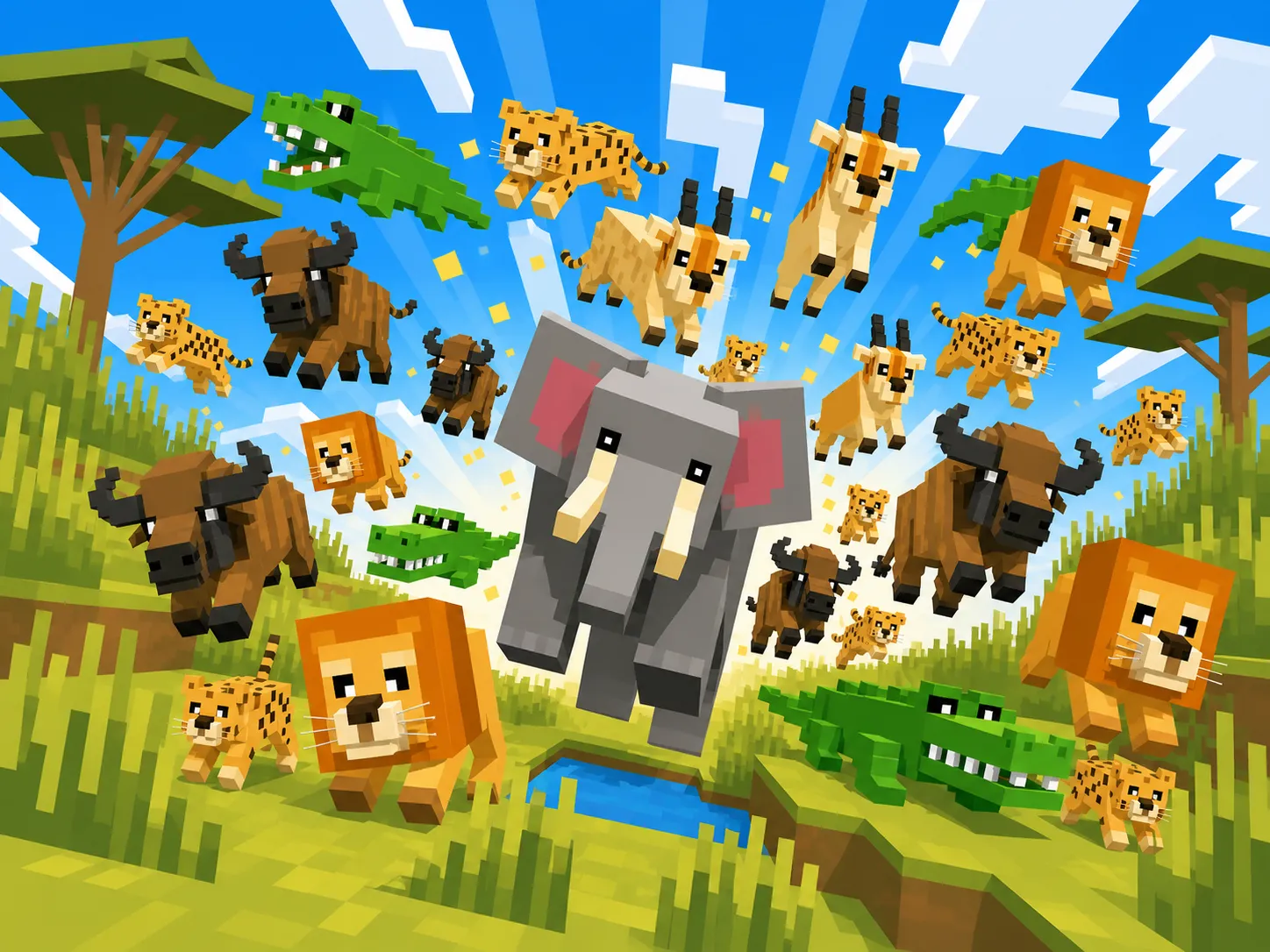
Play with friends
Get the desktop launcher
Log in with Discord, add friends, form a party, and spawn into the savanna together. The launcher keeps itself — and the game — up to date automatically.
Windows 64-bit · .exe installer Download macOS Apple Silicon · .dmg Download macOS Intel · .dmg Download Linux .AppImage Download
Mac won’t open it? Clear Gatekeeper
- 1 Open the
.dmgand drag Savannah Launcher into your Applications folder. - 2 Right-click the app → Open, then click Open again in the dialog. macOS remembers your choice, so you only do this once.
- 3 Still says “damaged” or “can’t be opened”? (common on Apple Silicon). Paste this into Terminal and press Return, then open the app normally:
xattr -dr com.apple.quarantine "/Applications/Savannah Launcher.app"
Why this happens: the launcher isn’t yet notarized by Apple, so Gatekeeper quarantines it on first launch. It’s the same build shared here; the steps above just clear that flag. This is safe and one-time.
No download needed — play instantly in your browser. The desktop launcher just adds Discord friends, parties & group spawn.